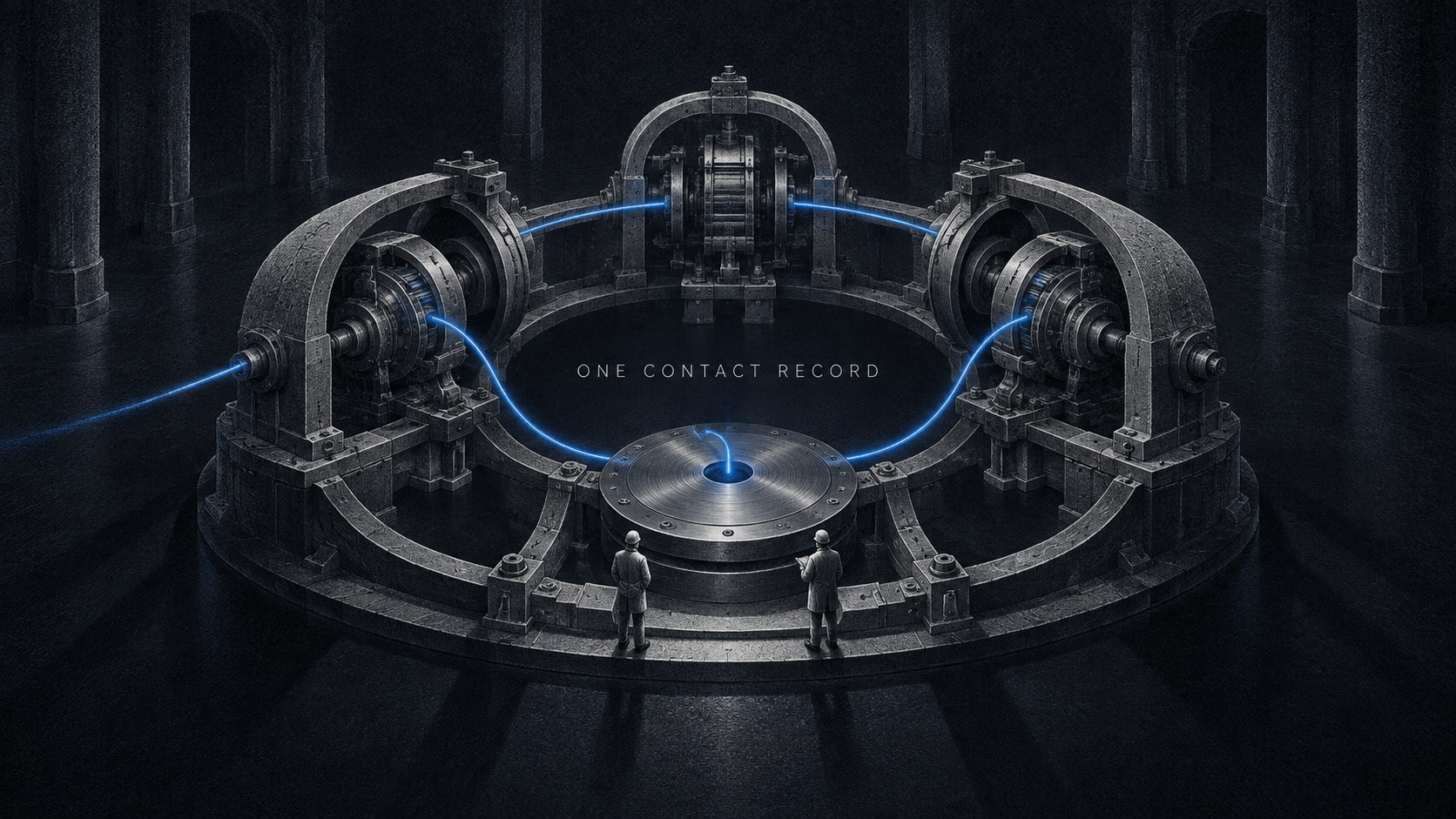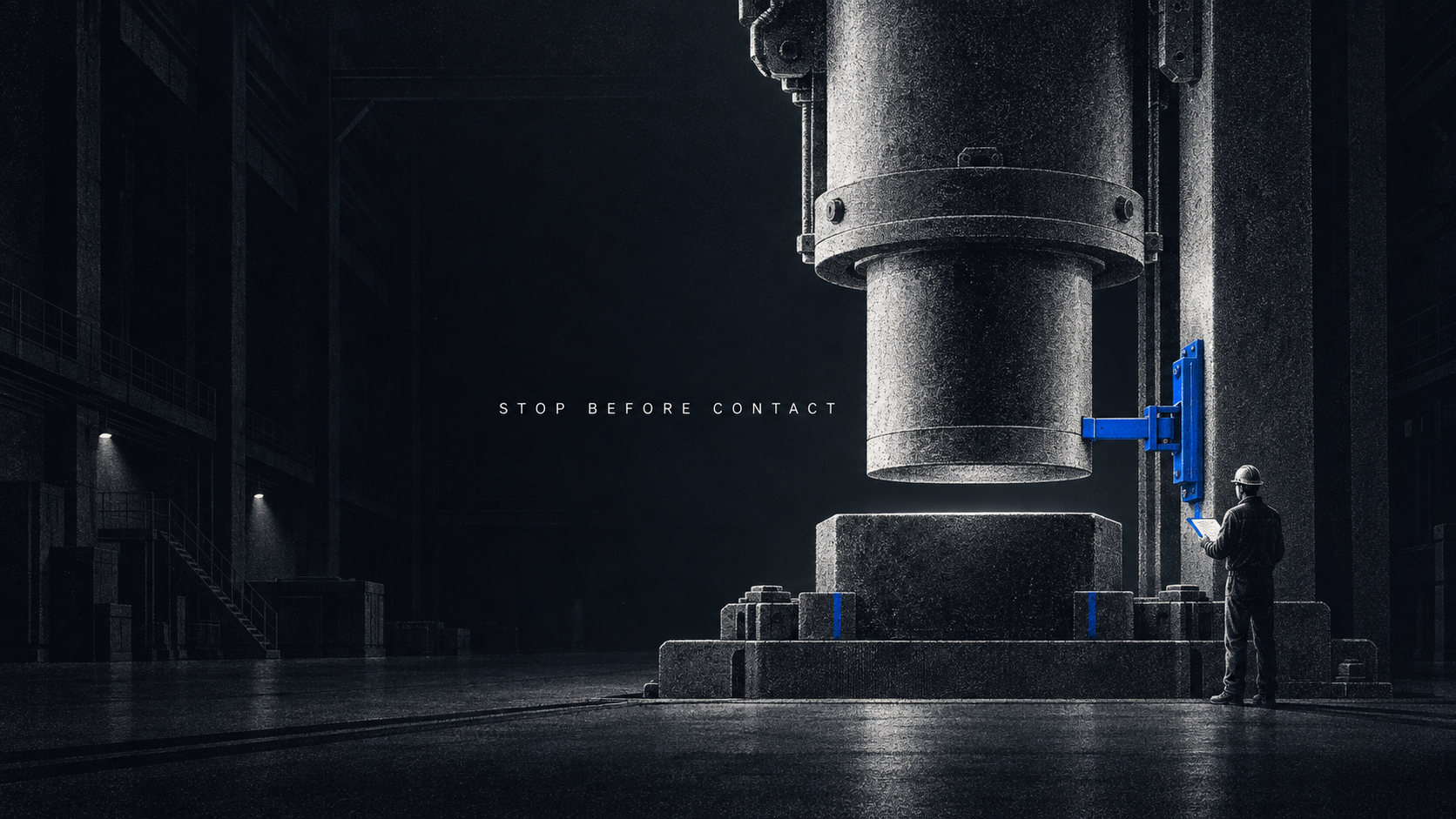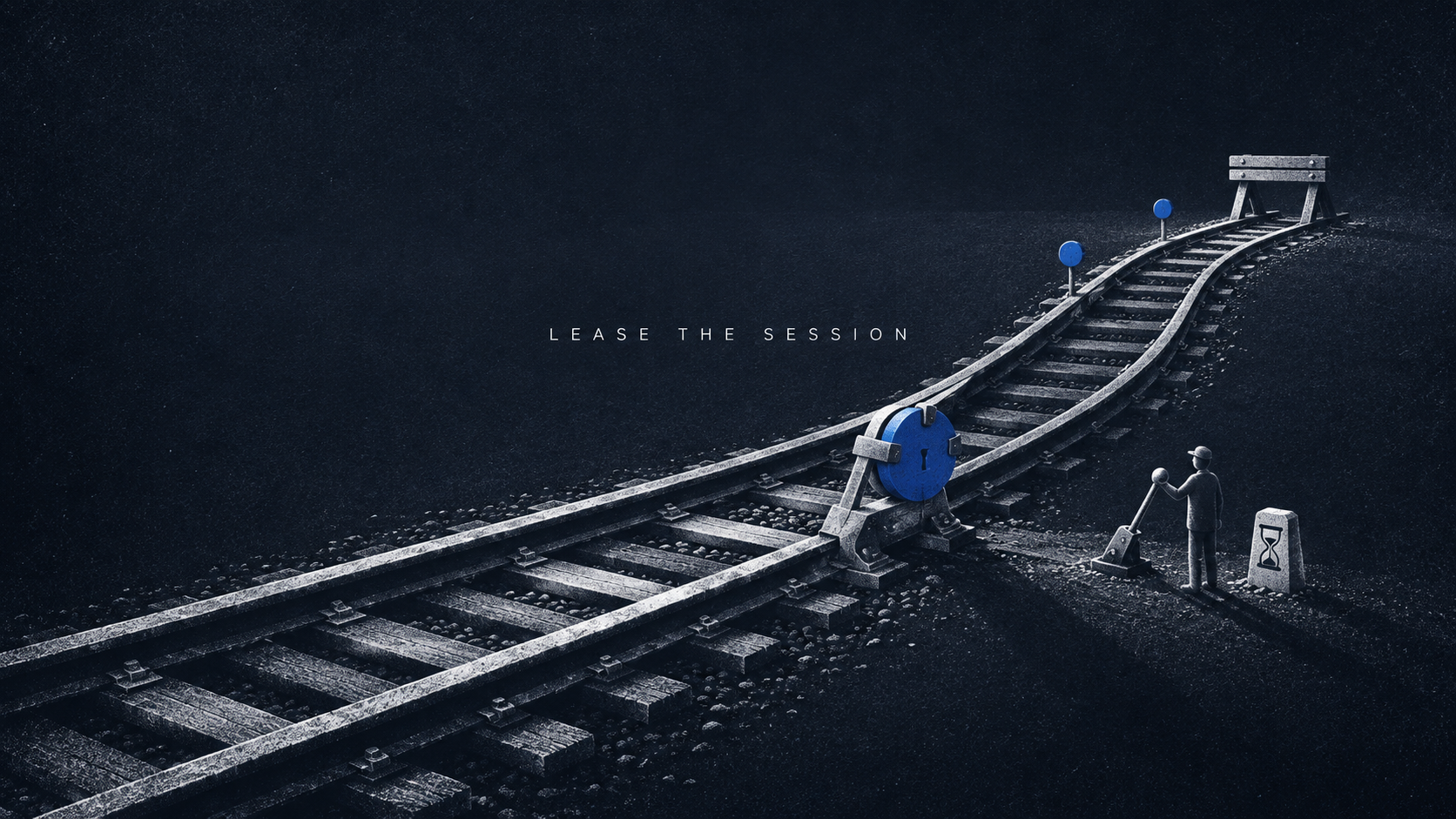
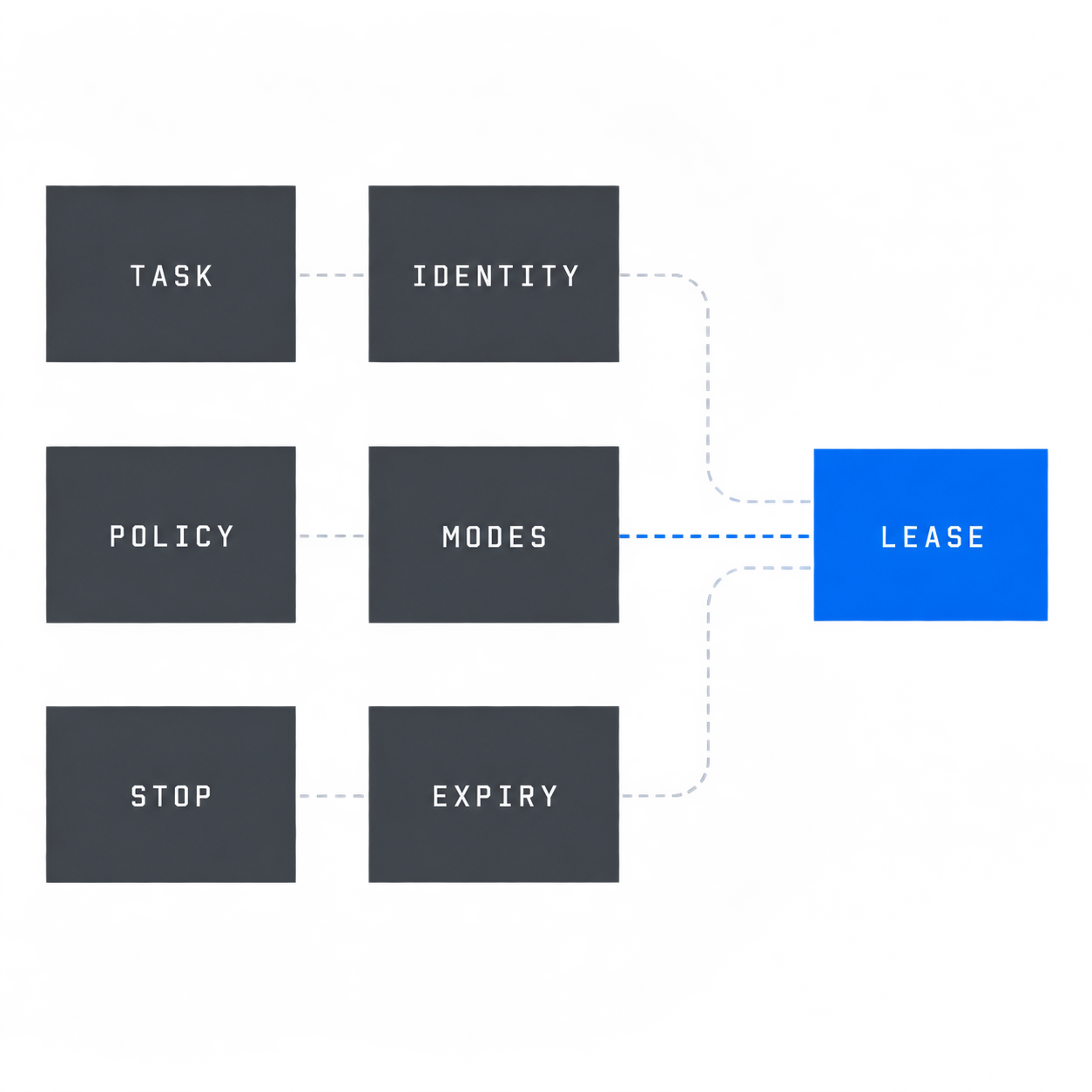
A desktop agent should not receive a session just because it authenticated. Treat the session as a short-lived lease that binds one task, one agent identity, one runtime policy, exact interaction modes, a human stop path, an expiry and proof that the session closed.
Amazon made WorkSpaces for Agents generally available on June 30, 2026 with managed desktops, an MCP endpoint, session control and billing by active session time. Windows 365 for Agents provides another managed computer-use path. Together they expose the architectural mistake to avoid: a valid login can be allowed to outlive, outscope or out-act the workflow that justified it.
The control unit should be the session lease. Authentication proves which identity reached the door. The lease decides whether that identity may receive this desktop, for this task, under this policy, until this time. A separate close receipt proves the authority ended.
Authentication is not session authority
Microsoft's identity model separates an agent identity from human identities and binds authentication to each session. That is the right identity foundation. It is not the whole workflow decision.
Imagine a support agent that needs a legacy desktop application to close one approved case. The agent authenticates successfully at 13:05. Three questions are still unanswered:
- Was this identity admitted for case
177, or only admitted to the desktop service? - May it use screen input, a forwarded
crm.lookuptool, or both? - What proves the session stopped after the case was reconciled?
A durable workflow contract should answer the business question before runtime admission. The agent operating contract names the owner, allowed actions, handoff and stop cases. The session lease is its runtime projection. It carries only the authority required for one execution.
Bind the lease before issuing the streaming session
Create the lease before returning a streaming URL, signed connection or session credential. The minimum manifest is small enough to review and strict enough to replay:
{
  "taskId": "task-17",
  "workflowOwner": "support-ops",
  "agentIdentity": "agent-desktop-17",
  "stackId": "stack-17",
  "policyDigest": "sha256:policy-17",
  "issuedAt": "2026-09-29T13:00:00Z",
  "expiresAt": "2026-09-29T13:20:00Z",
  "maxLeaseMinutes": 30,
  "allowedInteractionModes": ["SCREENSHOT", "COMPUTER_INPUT"],
  "allowedTools": ["crm.lookup"],
  "requiredControlMode": "VIEW_STOP"
}
The 30-minute cap is a DVNC pilot recommendation, not a universal vendor limit. AWS uses a 30-minute expiration in its getting-started test flow, which makes it a sensible first ceiling while a team measures real task duration. Tighten or widen it later from accepted-task evidence.
The fields have separate jobs:
taskIdandworkflowOwnerattach the computer session to accountable work.agentIdentityprevents a human account from becoming a convenient shared principal.stackIdandpolicyDigestpin the environment and authorization policy that were evaluated.allowedInteractionModesandallowedToolsmake authority explicit instead of inheriting everything the desktop exposes.requiredControlModekeeps the first release observable and stoppable.issuedAt,expiresAtandmaxLeaseMinutesmake stale admission mechanically rejectable.
The controller rejects a missing field, a lease past its maximum, an expired lease, a mismatched identity or policy, concurrent-agent reuse and any widened interaction mode. It holds, rather than guesses, when evidence is absent.
Separate pixels from forwarded tools
Computer input and programmatic tools are not interchangeable paths to the same effect.
AWS documents a visual path for screenshot, click and type, plus forwarded tools exposed through the session. Forwarded tools inherit the session-user environment and require both IAM permission and a service setting. Computer input requires vision. One agent is supported per session in the current agent access setup.
Use those distinctions in the lease:
- Prefer a forwarded read tool when the application offers a stable programmatic operation. Its arguments and result are easier to bind to the task.
- Permit visual input only for the parts that truly lack a usable interface.
- Never let enabling one path silently enable the other.
- Treat a forwarded write tool as a separate authority decision, even if the same desktop identity can call it.
For the support case, crm.lookup may be allowed while crm.write remains denied. The agent can inspect the record through a named tool and use pixels to navigate the legacy application, but it cannot widen itself into a material CRM update. If a later release needs a write, add its effect key, approval rule and source-system read-back to the workflow contract.
This separation also improves incident review. A screenshot tells you what was visible. A tool data event tells you which structured operation ran. Neither proves the customer's record changed as intended.
Keep a human stop path in the first release
AWS exposes VIEW_ONLY, VIEW_STOP and DISABLED human-control modes. Its launch guidance describes VIEW_STOP as the starting point, and its setup documentation says a stopped agent needs a new session to resume. That property is useful: stop should revoke the current lease, not pause authority in a reusable shell.
For an early release, require:
- a named workflow owner who may observe and stop;
- a visible session-to-task mapping so the operator knows what they are stopping;
VIEW_STOPor an equivalent control;- a terminal event that makes the old session unusable;
- a fresh admission decision before any retry.
Do not add approval prompts to every click. The meaningful human control is the ability to stop a bounded session when the agent leaves the accepted path. Per-click approval would slow the task without repairing weak identity, broad tools or missing cleanup.
Audit the session and the business action separately
AWS records session lifecycle events through CloudTrail, while forwarded tool calls are data events that need the appropriate data-event trail. Microsoft describes correlating prompts, tool use and outcomes across its identity, security and compliance controls.
Build the evidence join around three records:
- Admission receipt: task, owner, authenticated agent identity, stack, policy digest, allowed modes, allowed tools and expiry.
- Execution evidence: connection state, screen or input events, forwarded tool calls, stop events and errors.
- Outcome receipt: authoritative read-back from the business system plus the terminal session state.
The join keys should be generated outside the model: taskId, sessionId, a stable effectKey for any material action and the acceptance record ID. The agent may report that it closed case 177; acceptance should depend on the CRM read-back showing the expected state under case:177:close.
That is the same distinction covered in tool receipt versus outcome verification. A session log proves an interaction occurred. A source-system read-back proves the business effect now exists. Keep both because they answer different incident questions.
Close the lease as an acceptance step
Cleanup is part of the workflow result. It should not wait for an infrastructure timeout that may be longer than the business task.
AWS documents an MCP delete header, X-Amzn-AgentAccess-Expire-Streaming-Session-On-Delete, that can terminate the underlying streaming session. The documented default is false, which leaves the streaming session alive until its disconnect timeout. For a task-bound lease, set the equivalent cleanup behavior explicitly and verify it.
The close receipt should contain:
{
  "sessionId": "session-17",
  "terminalReason": "COMPLETED",
  "deleteAcknowledged": true,
  "sessionActive": false,
  "effectIntent": {
    "effectKey": "case:177:close",
    "acceptanceId": "accept-17"
  },
  "businessRecord": {
    "effectKey": "case:177:close",
    "acceptanceId": "accept-17"
  }
}
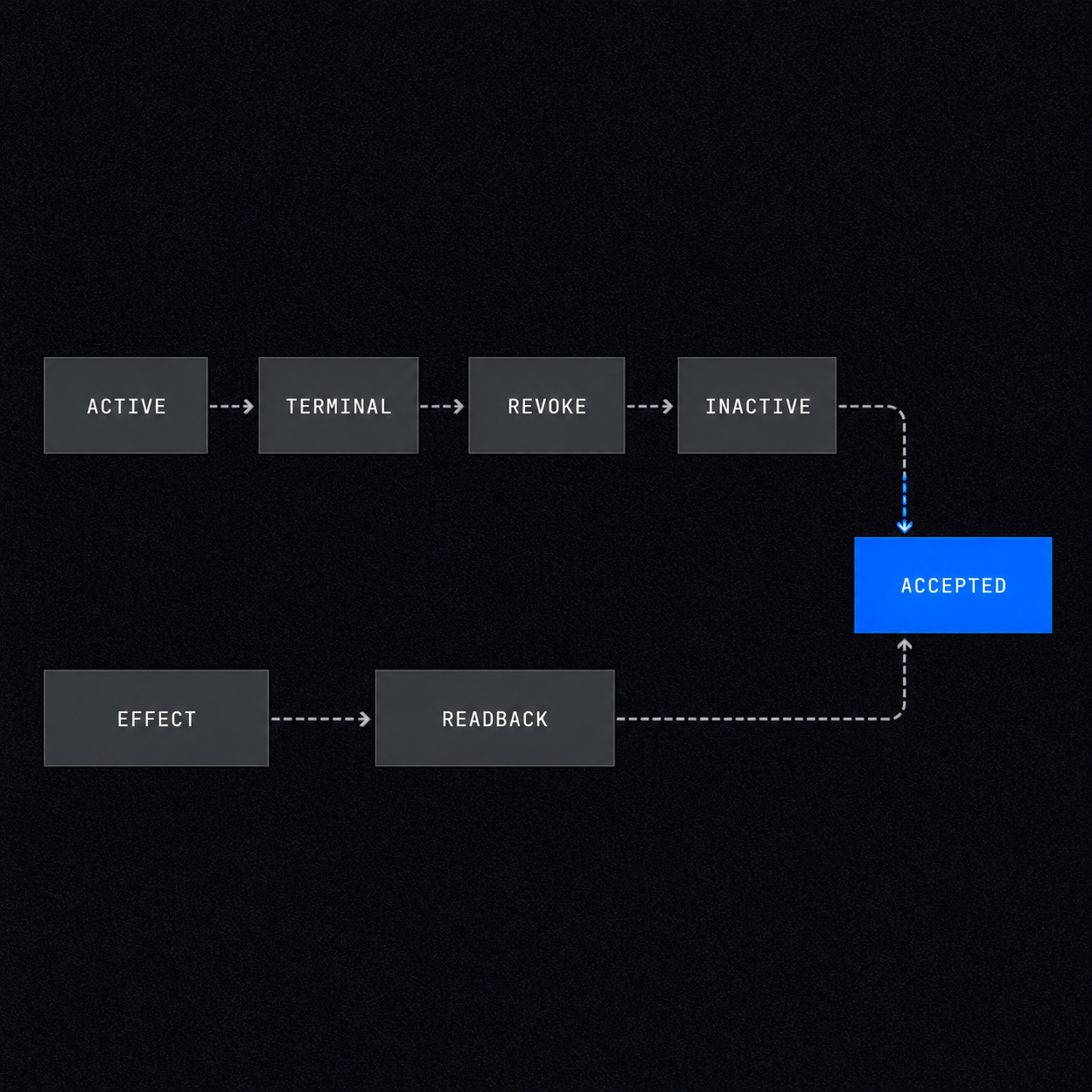
Accept completion only after the close belongs to the admitted sessionId, delete is acknowledged, a read-back says the session is inactive and any material business record matches the intended effect. A human stop additionally requires proof that a new session would be needed to continue.
The admission gate passes 33 synthetic cases
The reference controller for this article separates admission from close reconciliation. It passes 33 of 33 local cases. These are synthetic fixtures, not a benchmark of Amazon, Microsoft or a client environment.
At admission, it returns:
invalidfor a malformed manifest or clock;deniedfor failed authentication, expired or oversized leases, reused human identity, concurrent agents, widened modes or tools, missing vision, missing stop control or cleanup not bound to delete;holdwhen identity, connection, forwarding or telemetry evidence has not arrived;divergentwhen observed identity, stack or policy differs from the lease;eligibleonly with a bounded, exclusive, observable and stoppable session.
At close, it returns uncertain when deletion, inactivity or business read-back is missing, divergent when the session or business record disagrees, and observed only when the authority ended and the accepted outcome reconciles.
The core call is deliberately boring:
import { evaluateDesktopSessionLease } from "./desktop-session-lease.mjs";

const decision = evaluateDesktopSessionLease(manifest, observedRuntime);

if (decision.status !== "eligible") {
  return routeToOwner(decision);
}

return issueSession(decision.receipt);
The controller does not call a vendor API. Adapt the observedRuntime adapter to the platform, then preserve the portable statuses and receipt. That keeps the release gate stable if the desktop provider changes.
Release checklist
Before releasing a desktop-agent workflow, require an operator to reconstruct one accepted task without trusting the agent's narration.
Name one task and owner
The workflow contract names the task boundary, business owner, systems owner, allowed effect and human handoff.
Issue a dedicated agent identity
Do not reuse or impersonate a human account. Apply conditional access and lifecycle ownership to the agent principal.
Pin the runtime policy
Record the stack or pool identifier and the evaluated policy digest in the admission lease.
Choose pixels and tools separately
Allow only the required visual modes and exact forwarded tools. Deny every unlisted path.
Make stop terminal
Give the workflow owner a visible stop path and require fresh admission after a stop.
Join the evidence
Correlate admission, session lifecycle, tool data events, business read-back and the terminal close receipt.
Prove cleanup
Expire the underlying session on delete and verify inactivity before accepting the task.
The first useful metric is not session count. Track accepted tasks with a complete lease and close receipt, then count holds, denials, divergences and human stops by reason. Those distributions tell you whether to shorten the lease, narrow a tool, repair telemetry or change the workflow.
Frequently asked questions
Can an AI agent use a remote desktop safely?
Yes, when the desktop is isolated, the identity is dedicated, authority is task-scoped, interaction modes are least-privilege, a human can stop the session and expiry plus cleanup are verified. Authentication alone does not meet that bar.
How do you audit a computer-use agent?
Join the admission lease, authenticated identity, session lifecycle, visual or input events, forwarded tool data events, source-system read-back and the terminal close receipt by stable task and session IDs.
Should a desktop agent use a human employee account?
No. Use a dedicated agent identity with a named owner and explicit policy. Human-identity reuse weakens attribution, lifecycle control and incident containment.